Keyboard-first
Special keys, a configurable command grid, and hardware-keyboard workflows built for a small screen.
Native mobile SSH
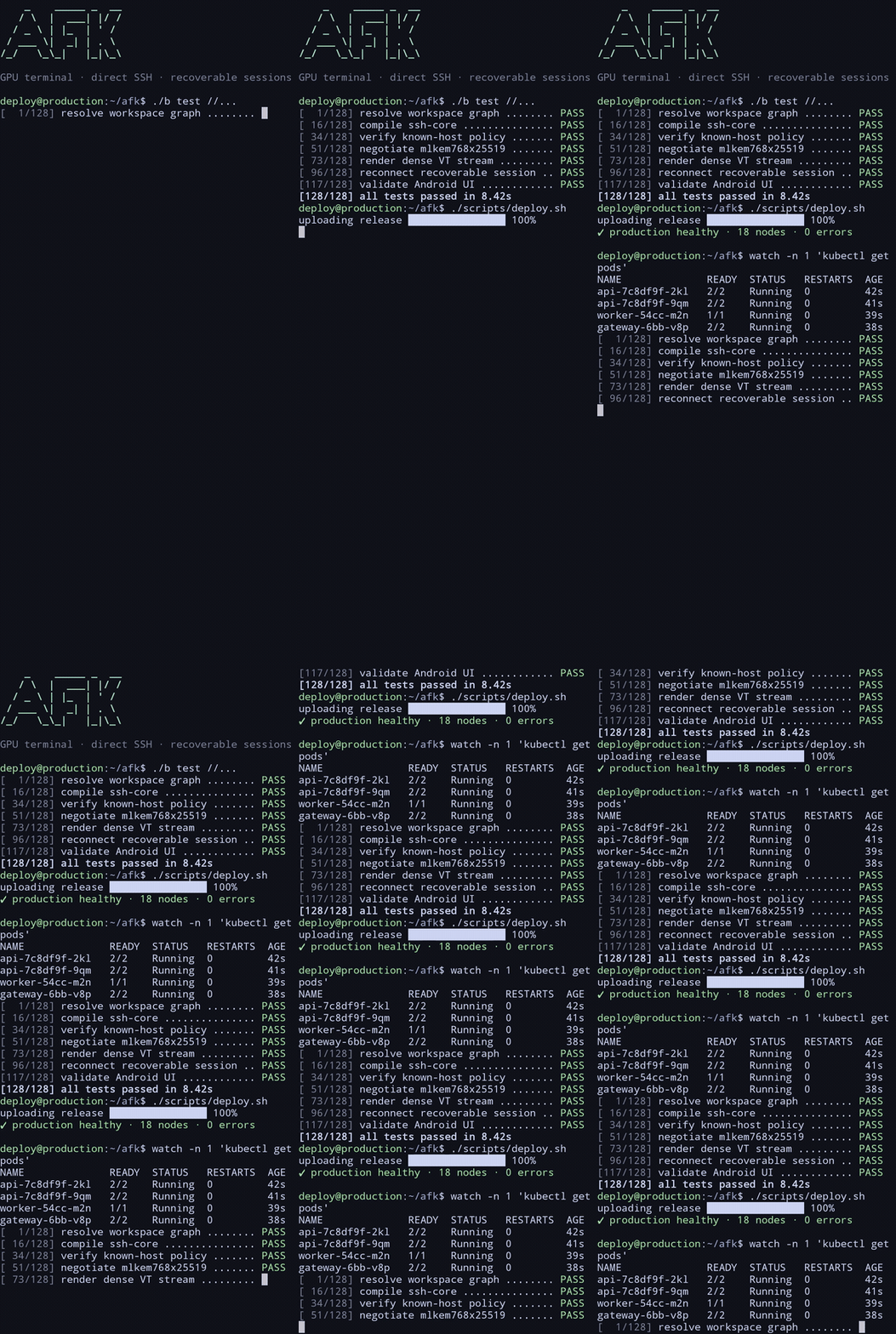
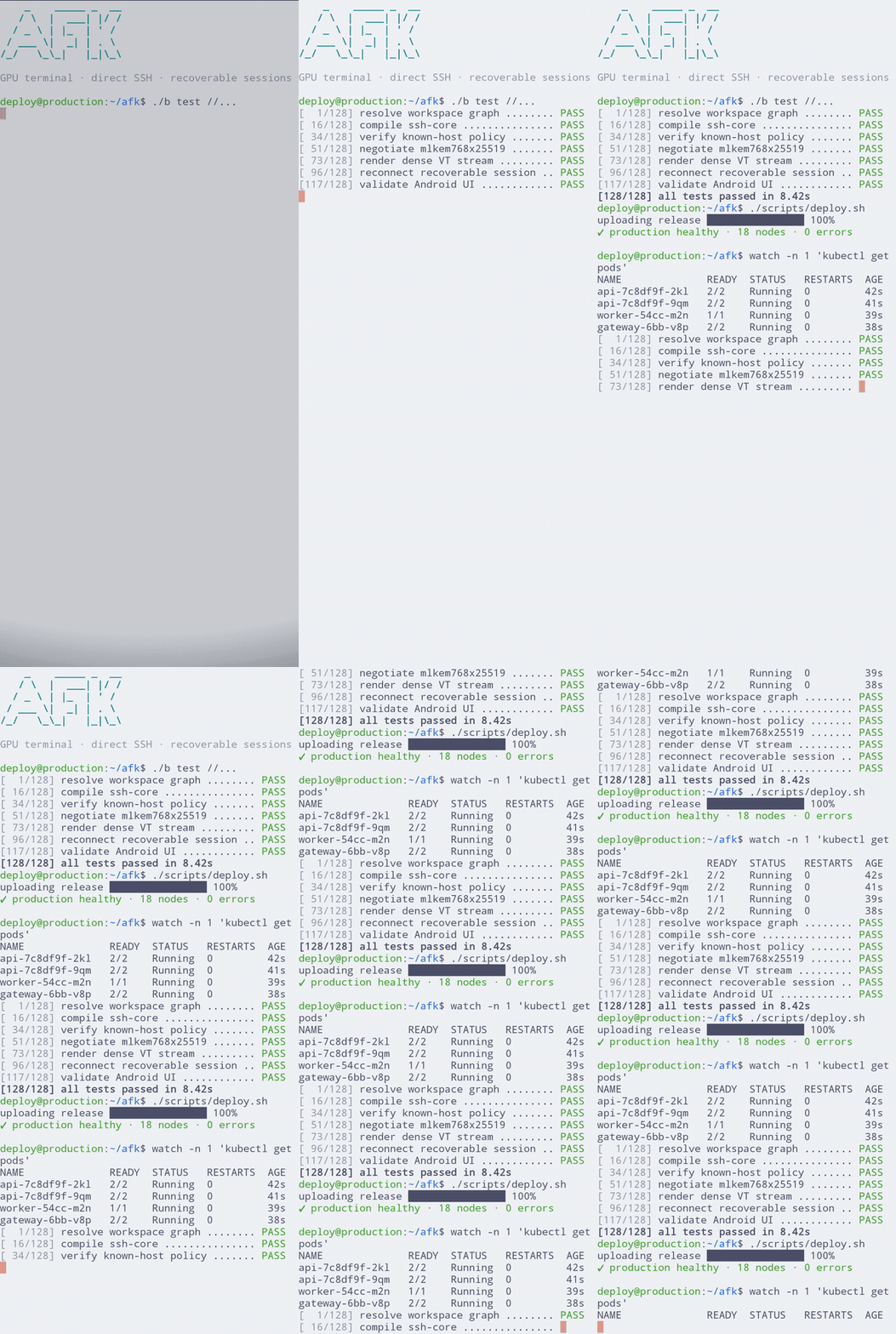
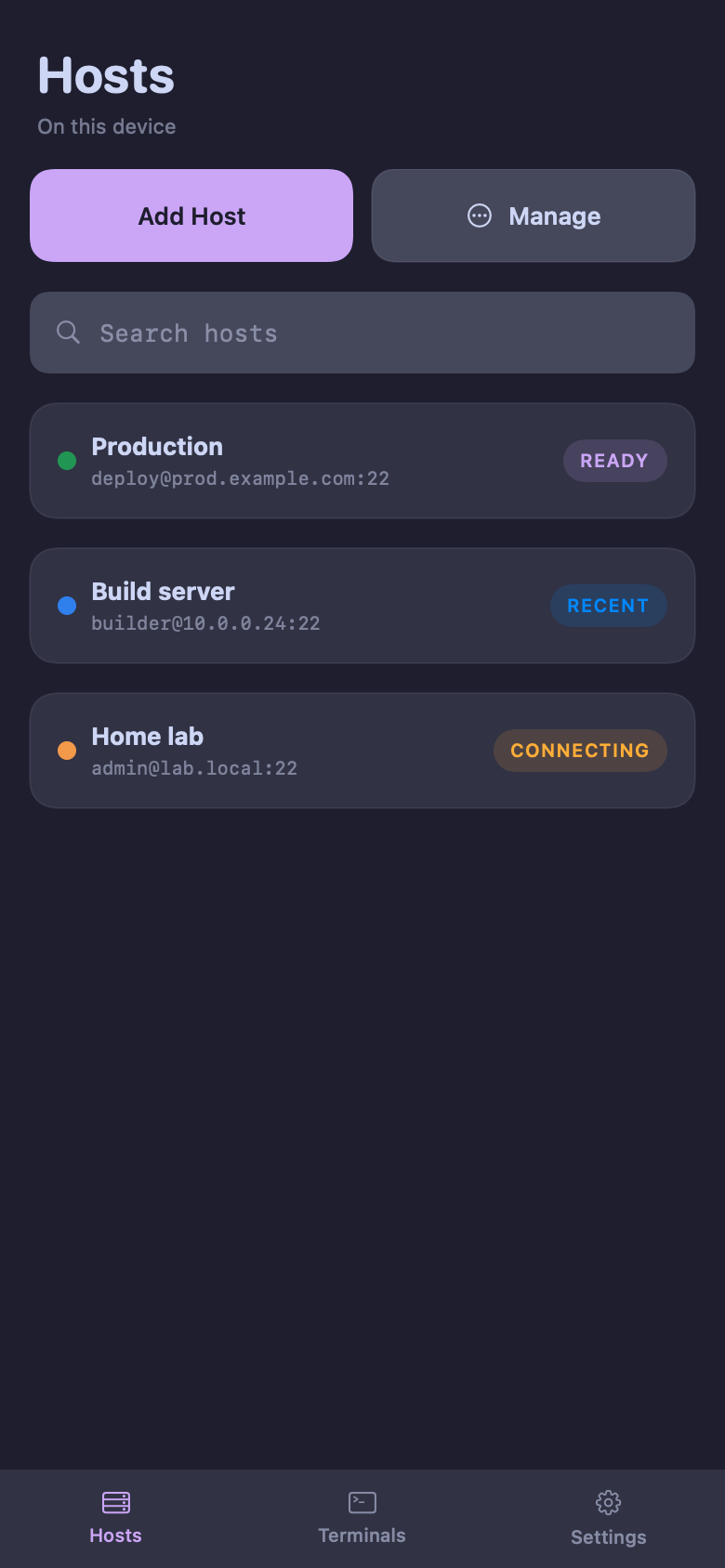
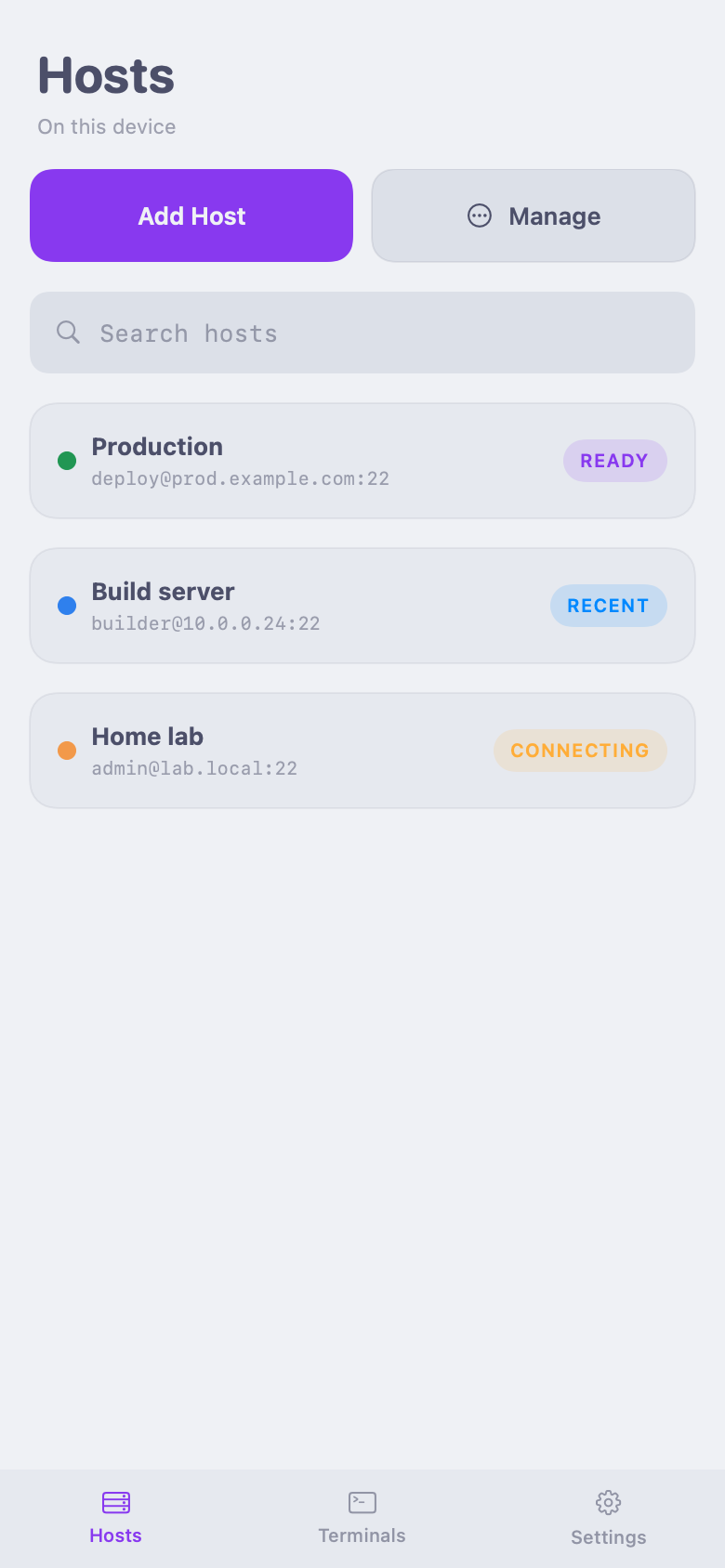
AFK is a direct-SSH terminal for iOS and Android. Connect to your servers, run real work, and carry active sessions with you—without routing SSH through AFK.


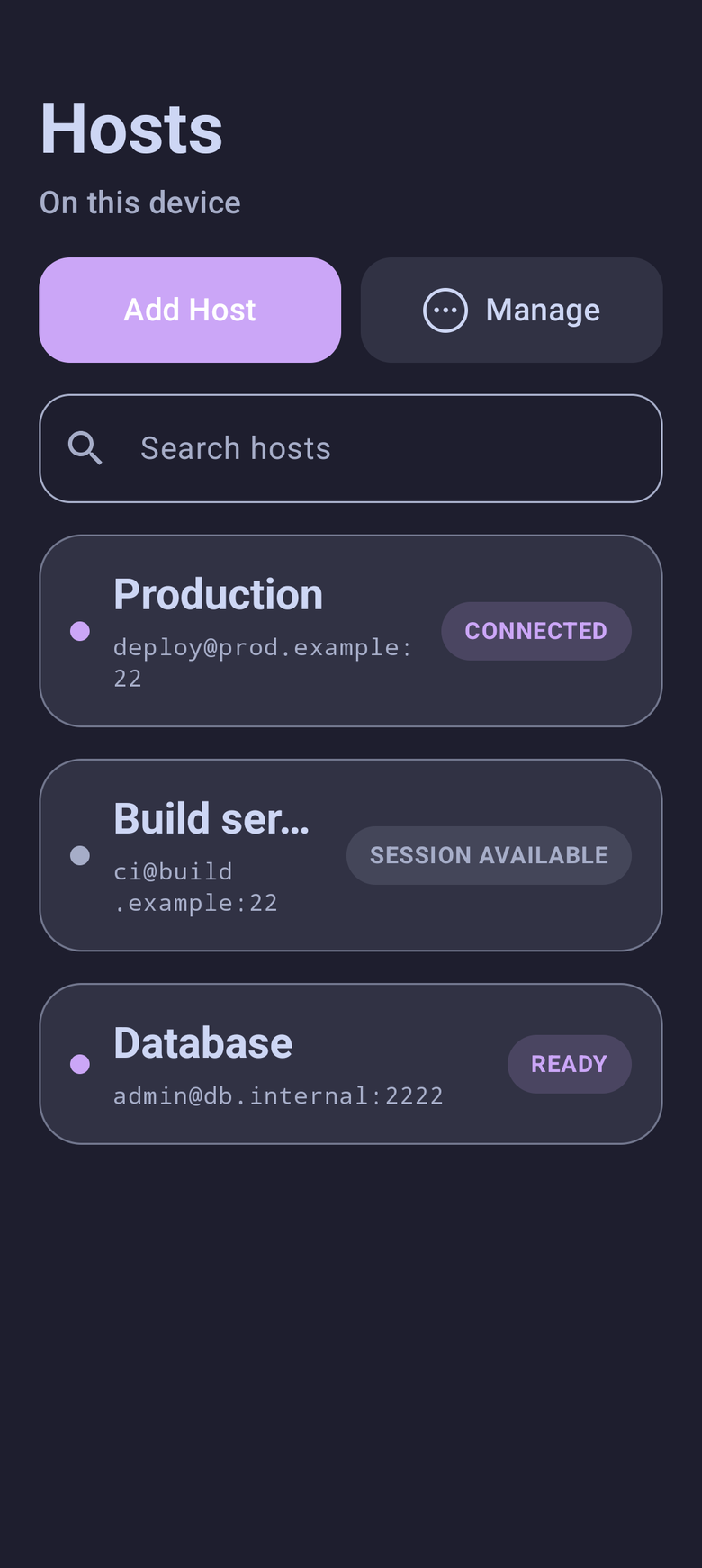
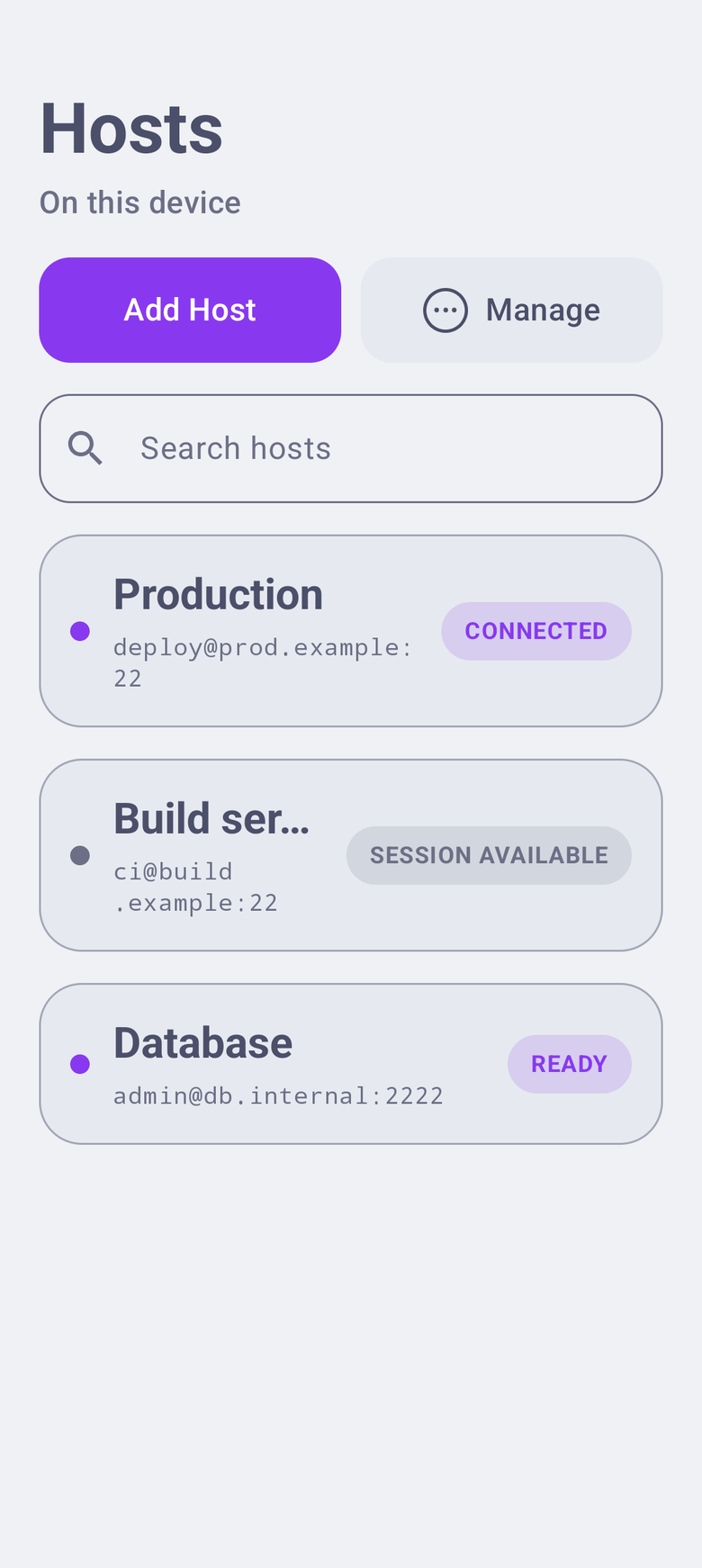
Direct from your device
to your server
Strict host-key
verification
One terminal engine
across both platforms
01 / THE TERMINAL
AFK uses Ghostty’s terminal engine underneath a native mobile interface, with GPU-accelerated rendering for responsive input and dense terminal output.
Powered by Ghostty
AFK renders with Metal on iOS and OpenGL ES on Android, giving both platforms a GPU-accelerated terminal backed by the same Ghostty engine.
Production terminal · iOSAndroid capture Special keys, a configurable command grid, and hardware-keyboard workflows built for a small screen.
Terminal themes, fonts, sizing, feedback, and per-host behavior without turning the app into a toy.
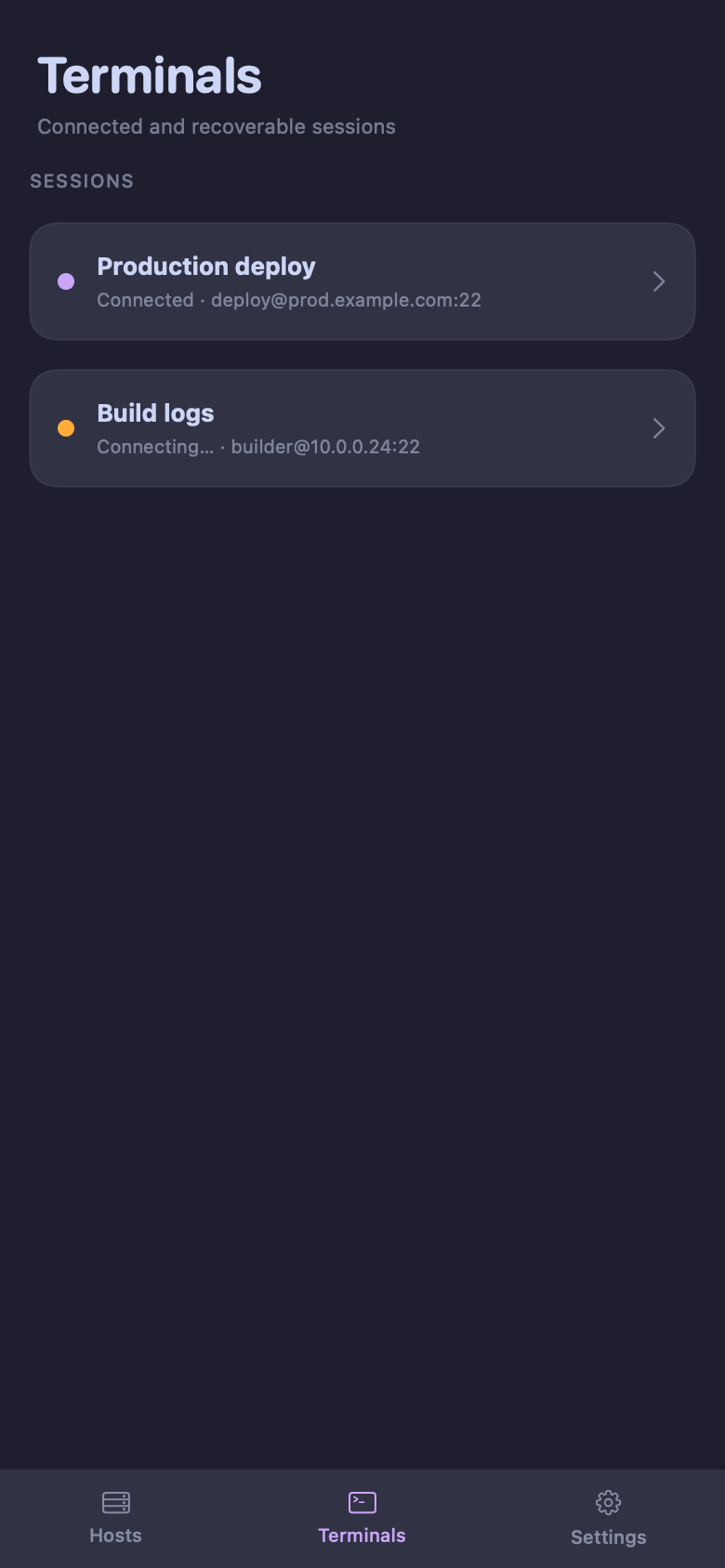
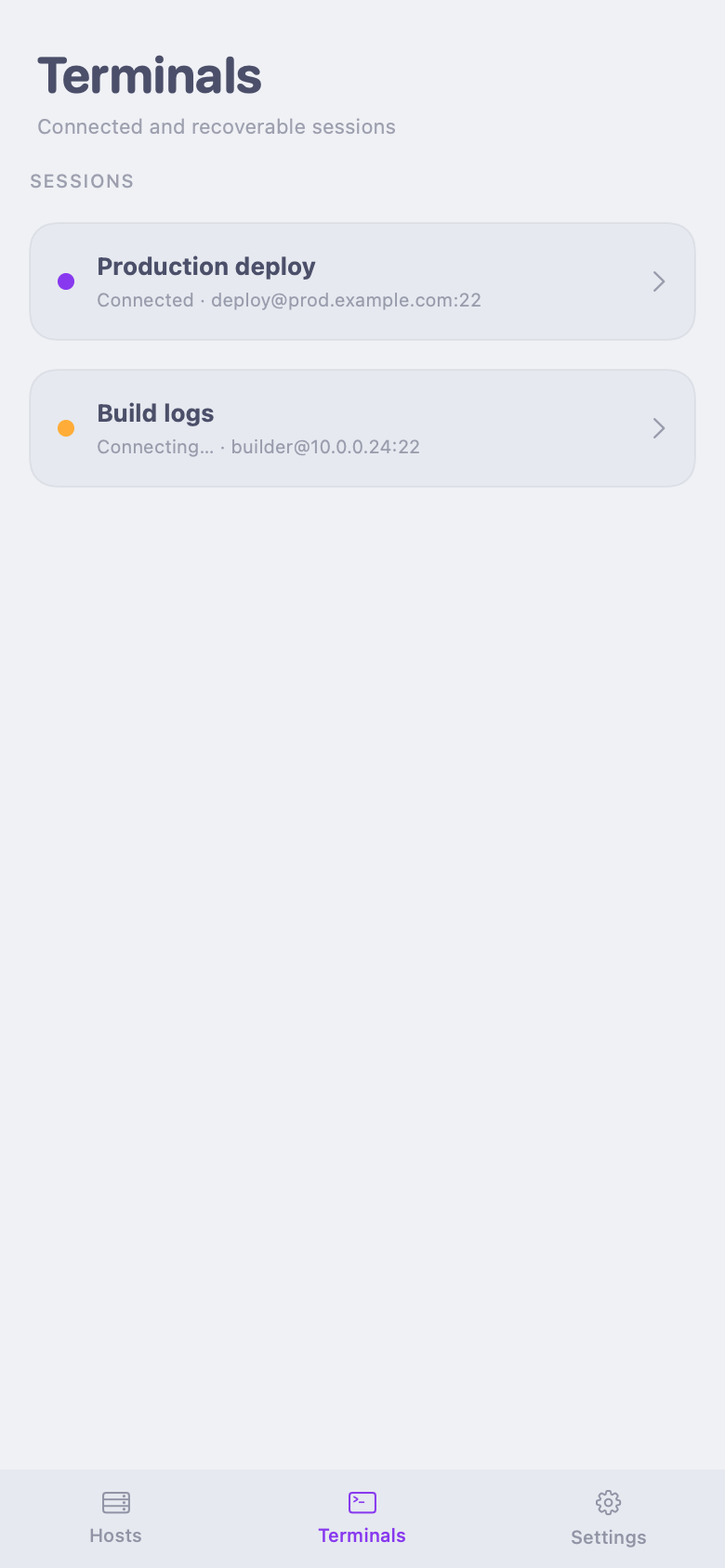
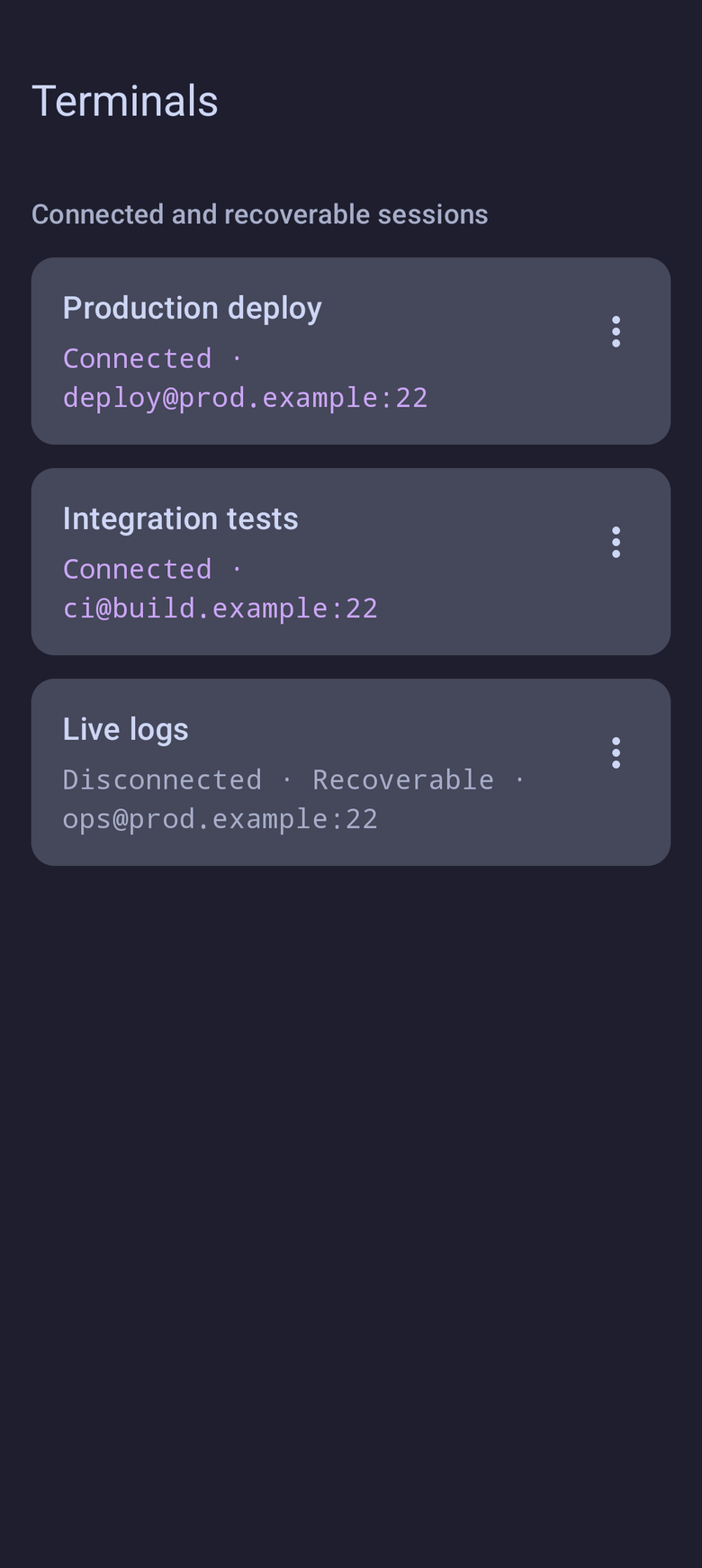
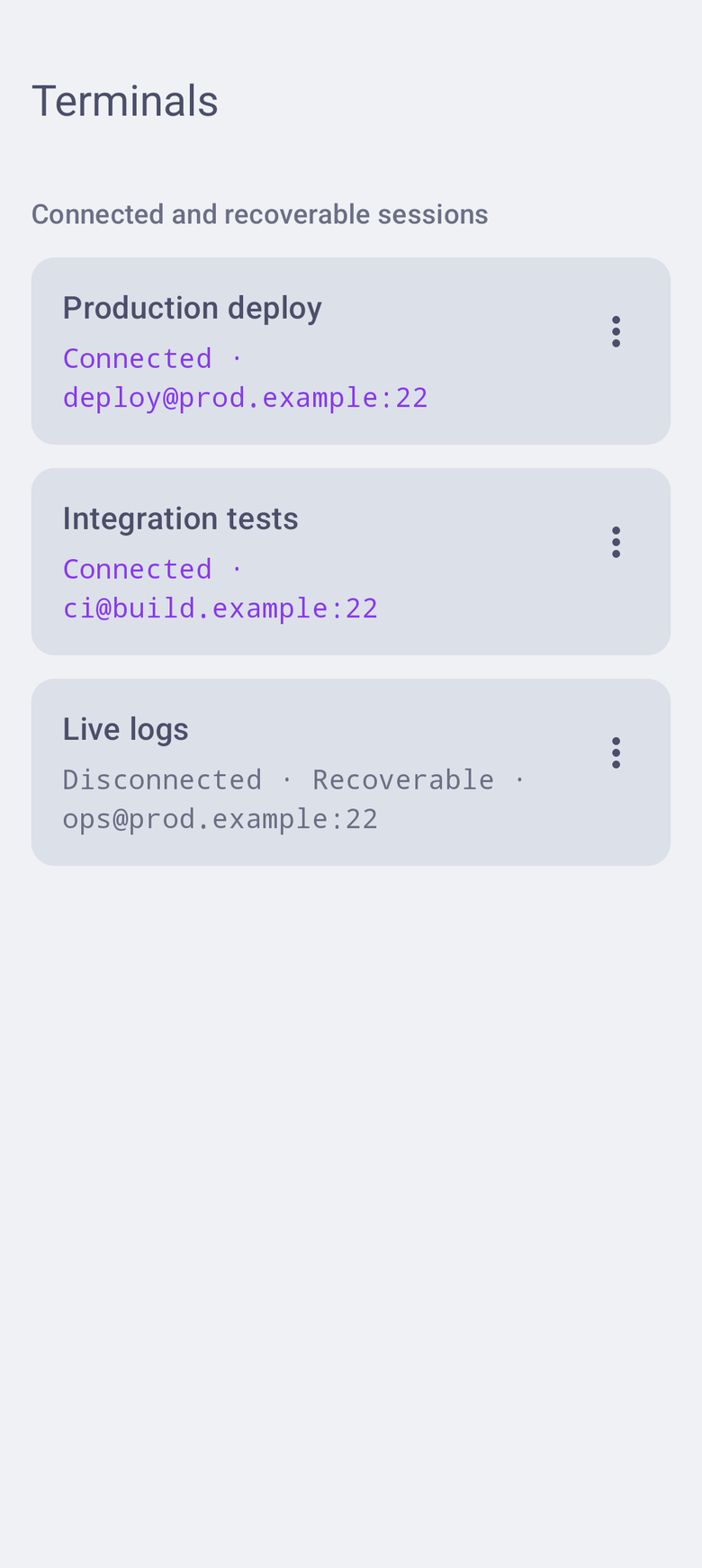
Open multiple named terminals and move between active work without losing your place.
02 / DIRECT BY DESIGN
Ordinary SSH goes straight from your phone to your server. AFK infrastructure never receives your SSH credentials, terminal input, or terminal output.
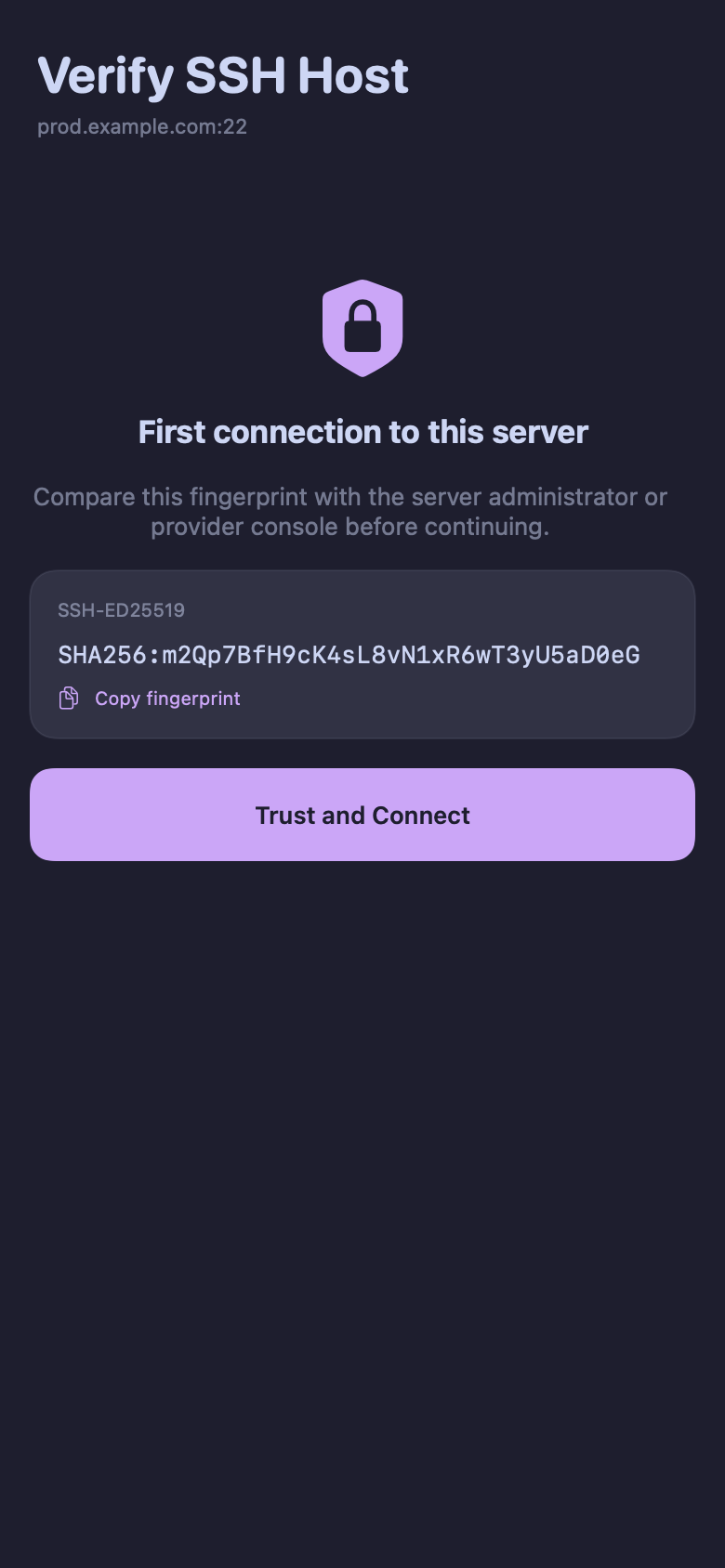
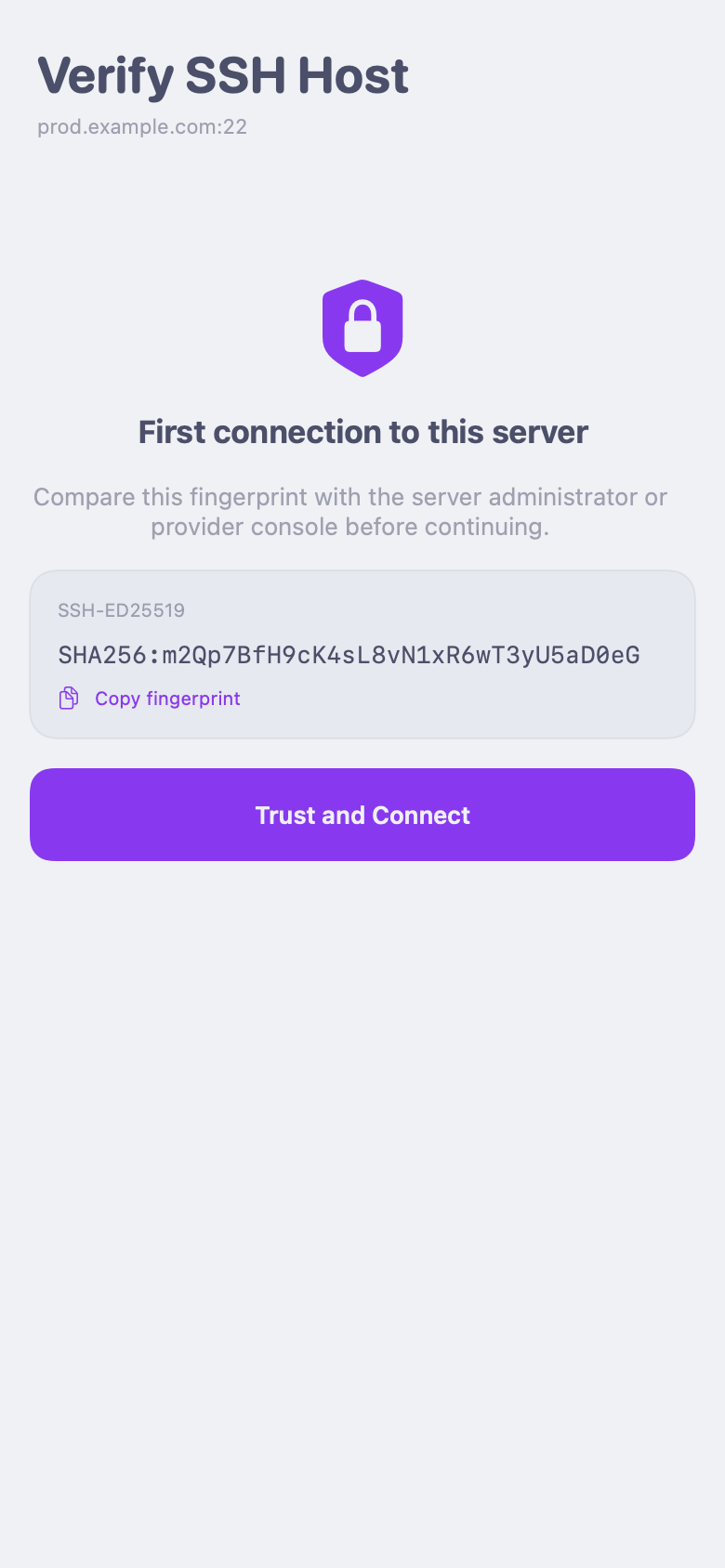
Confirm new fingerprints. Block changed keys instead of quietly connecting.
Credentials use Keychain on iOS and secure platform storage on Android.
Ordinary SSH remains independent of optional AFK-hosted features.
AFK shows the server fingerprint and asks for an explicit decision. A changed key is a warning—not something the app quietly accepts.
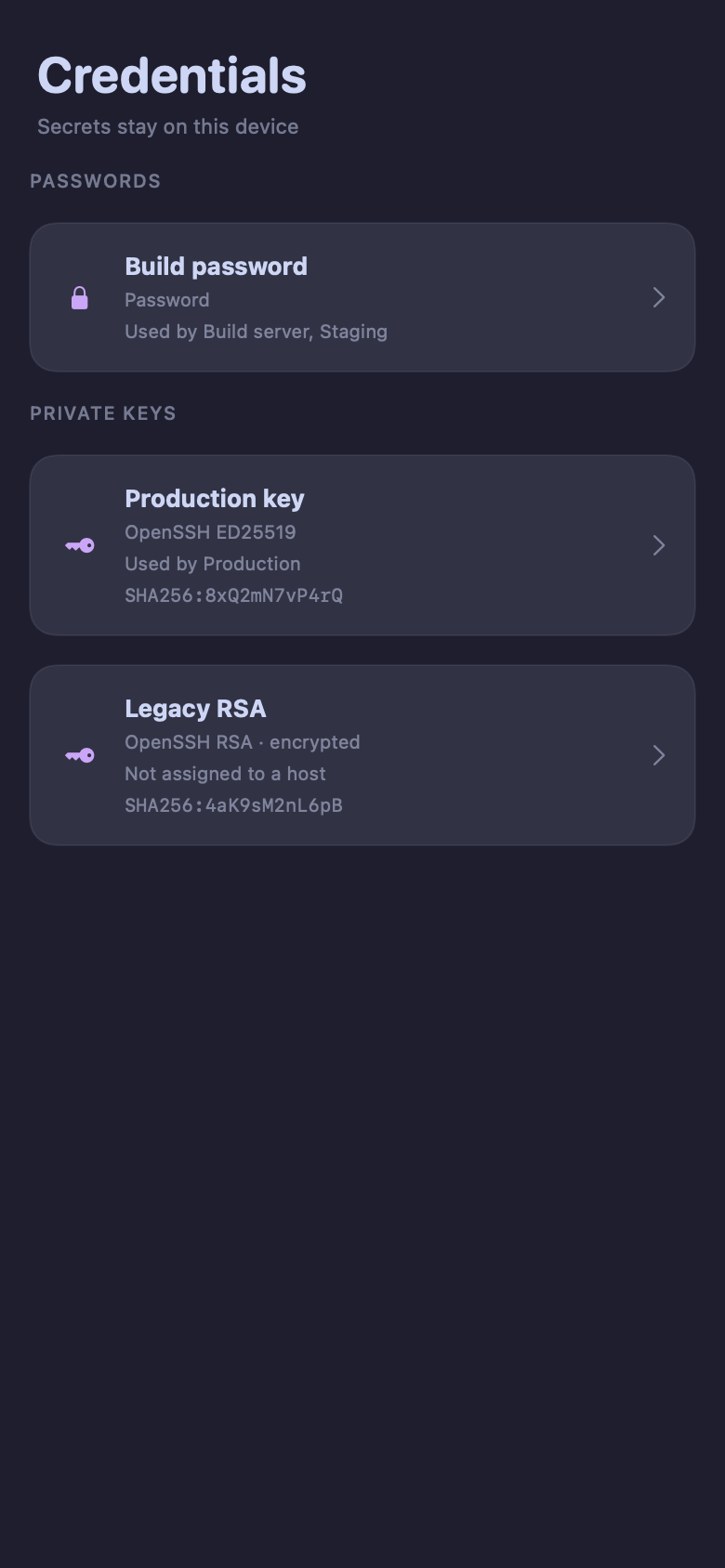
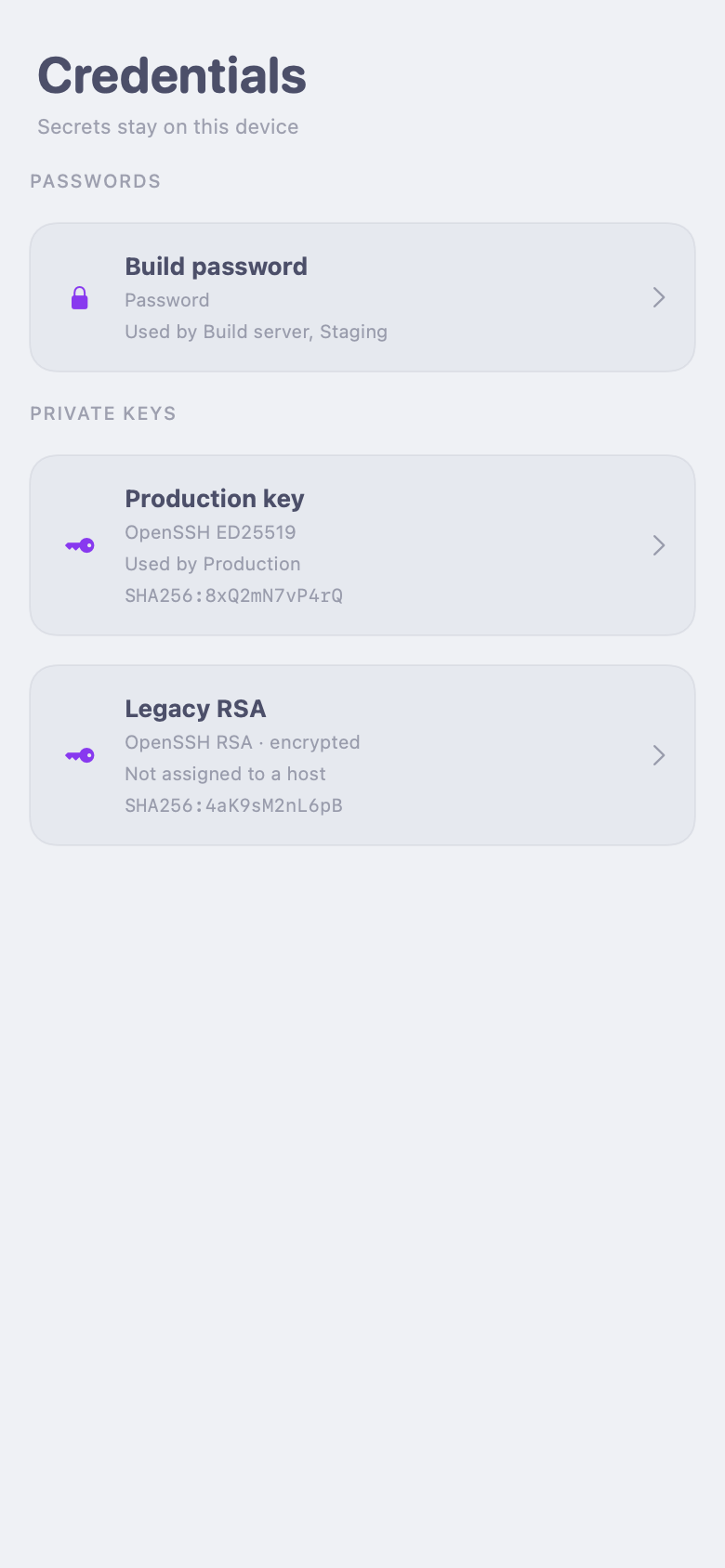
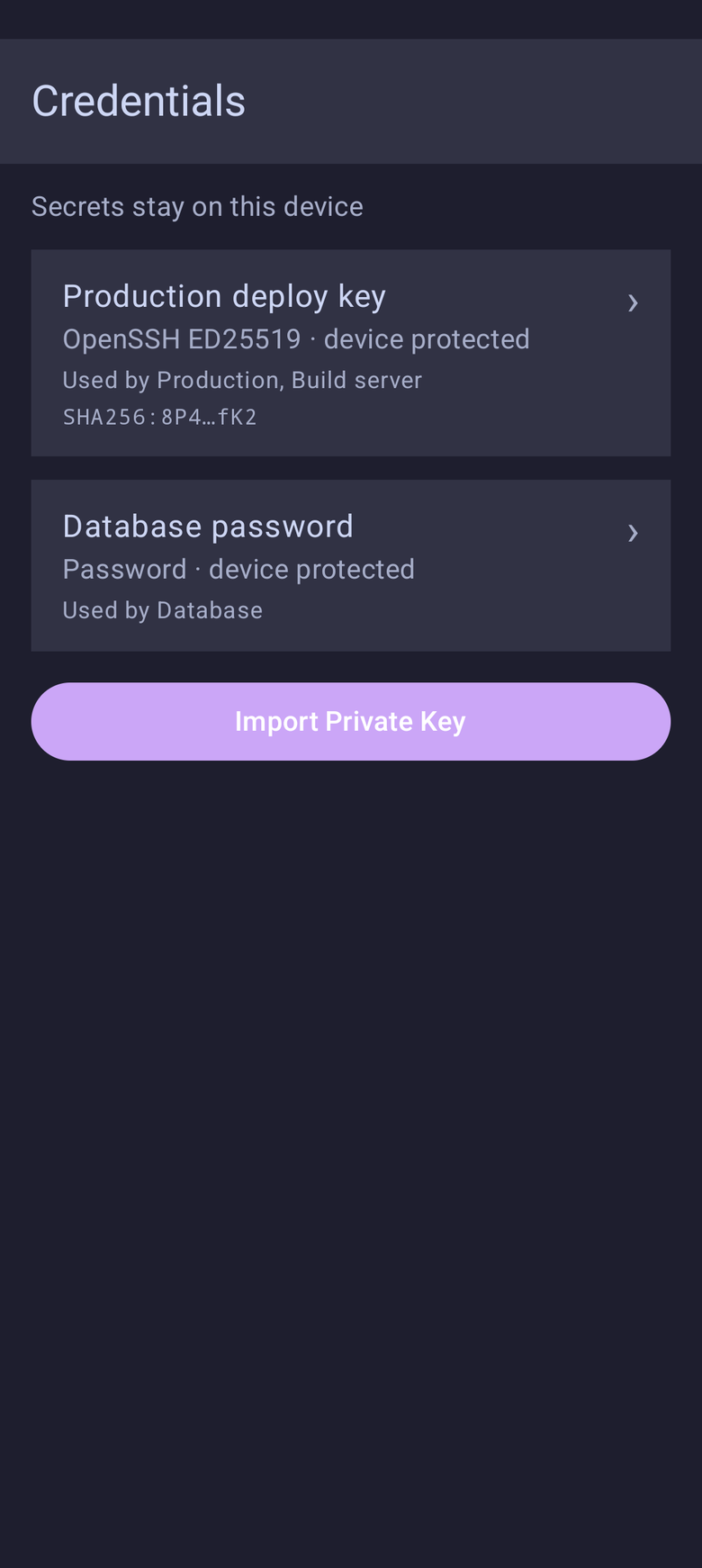
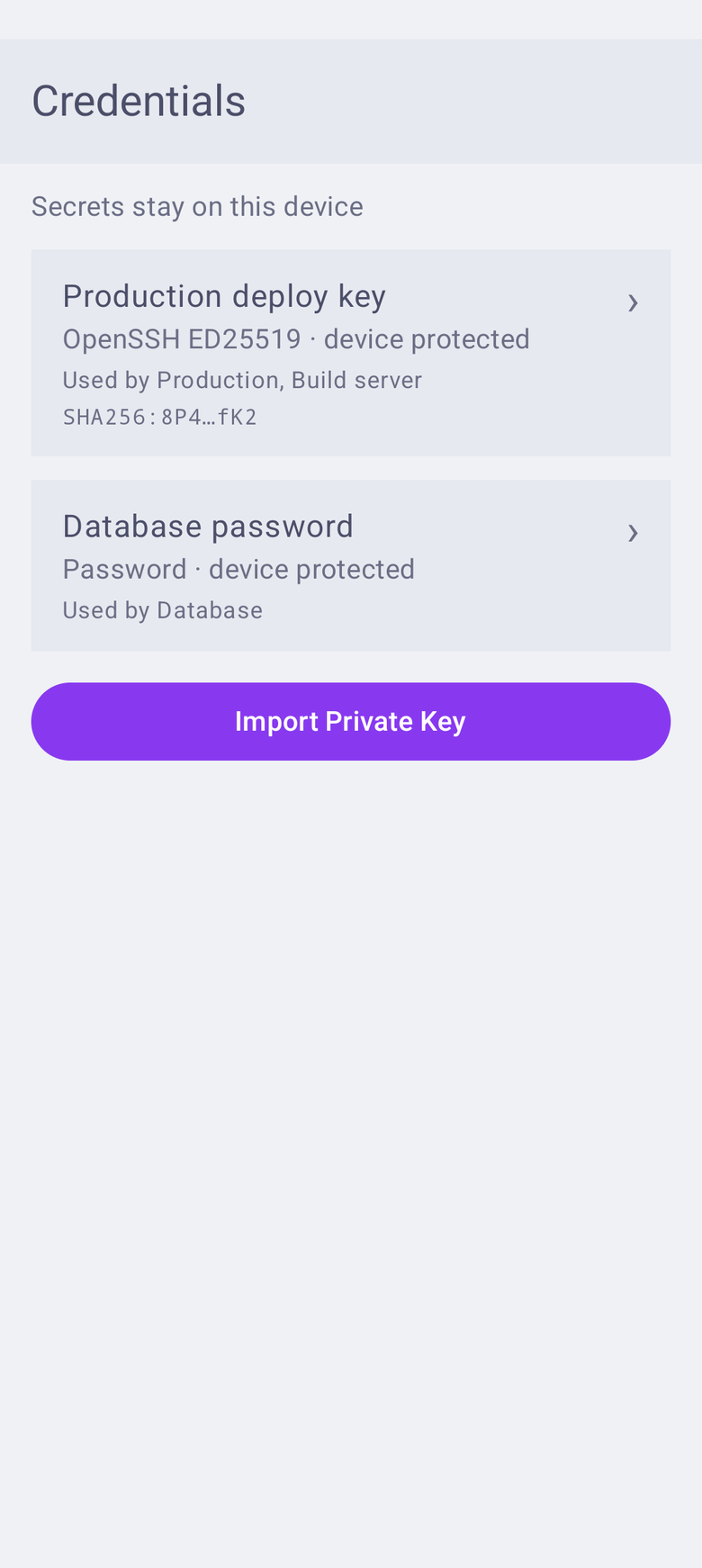
Passwords and private keys remain in platform-protected storage. AFK shows which local credential each host uses without exposing the secret itself.


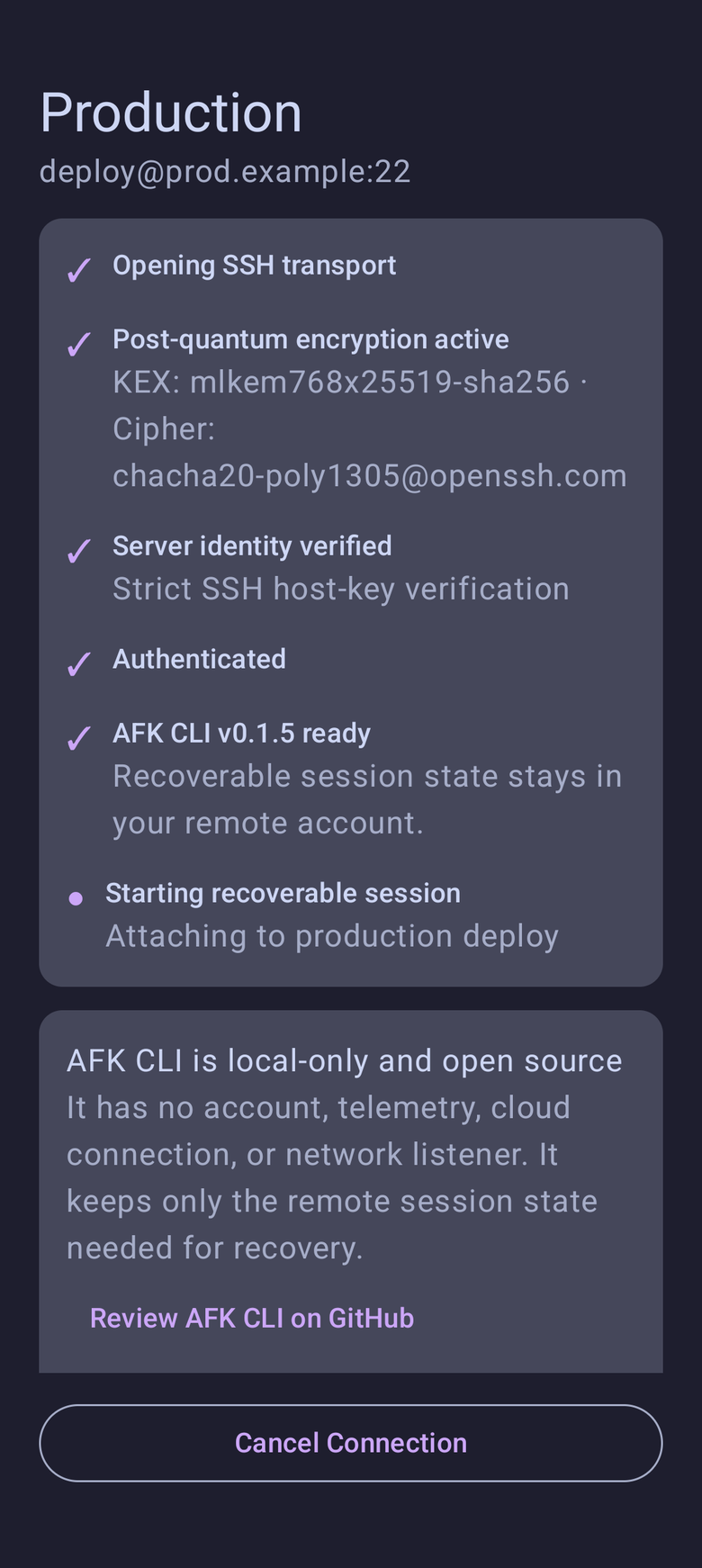
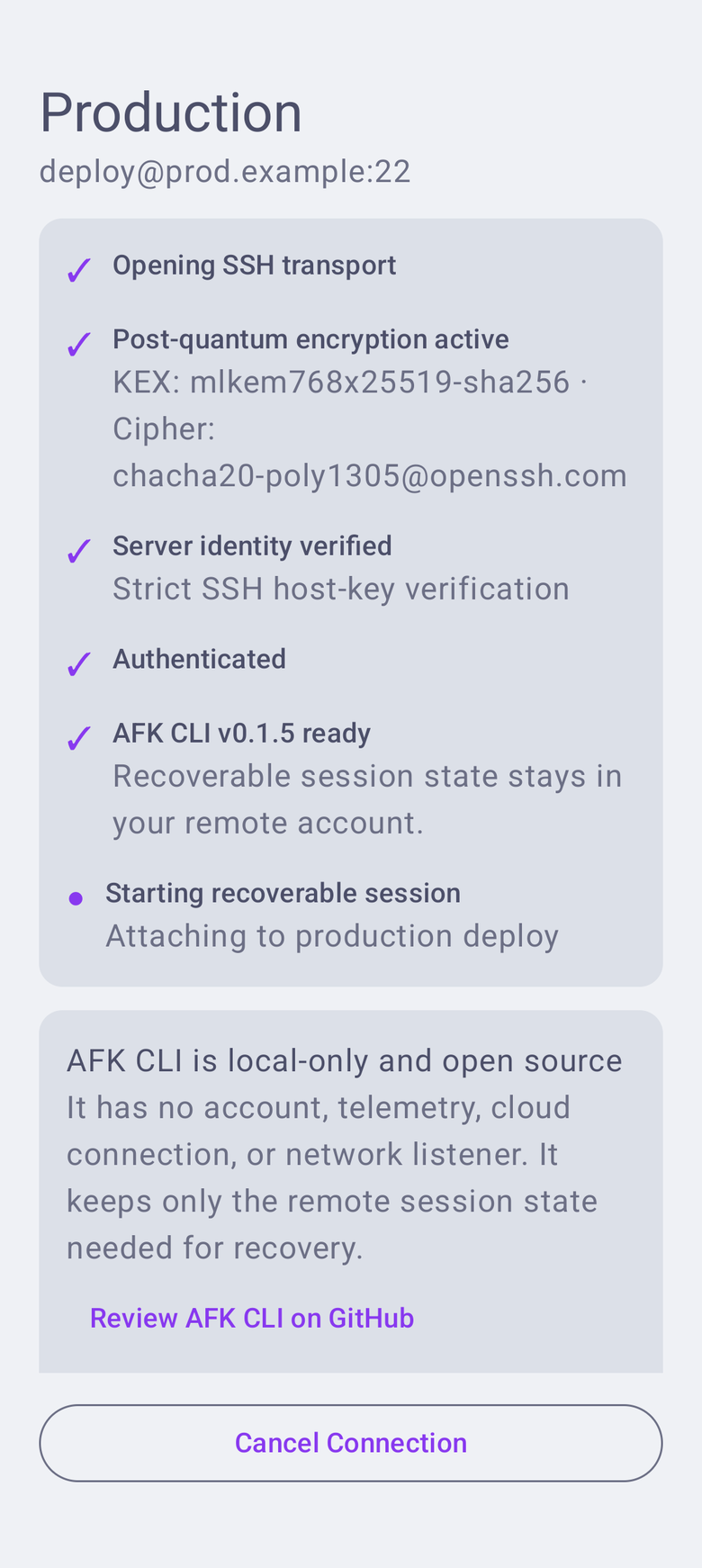
AFK prefers hybrid ML-KEM-768 and X25519 key exchange, while retaining secure classical compatibility for older SSH servers.
ADVANCED SSH
Route through infrastructure you control, reach hosts behind an HTTP proxy, and forward a selected SSH key—all configured on the host, never through an AFK relay.
Enable SSH agent forwarding per host and keep the selected private key under your control. AFK makes the trust boundary explicit before you turn it on.
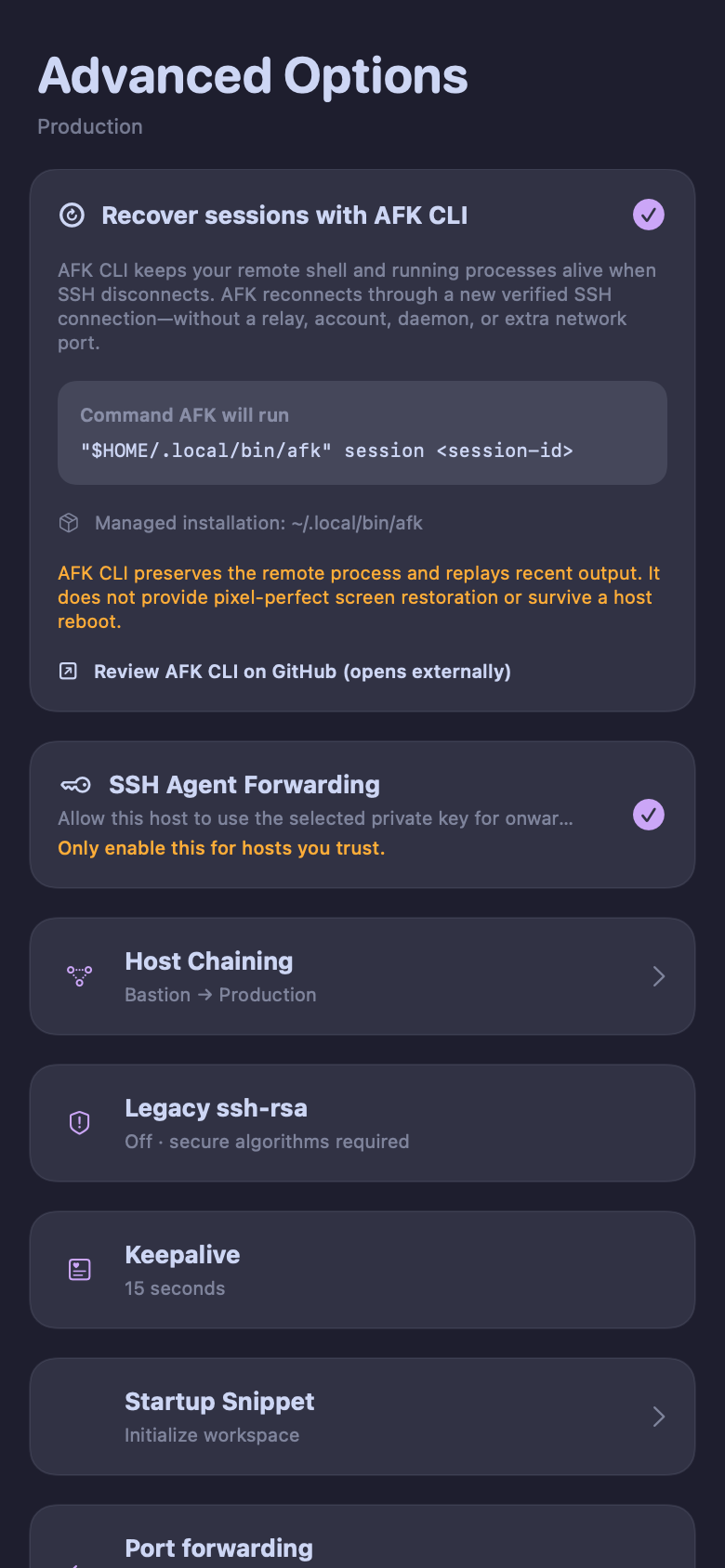
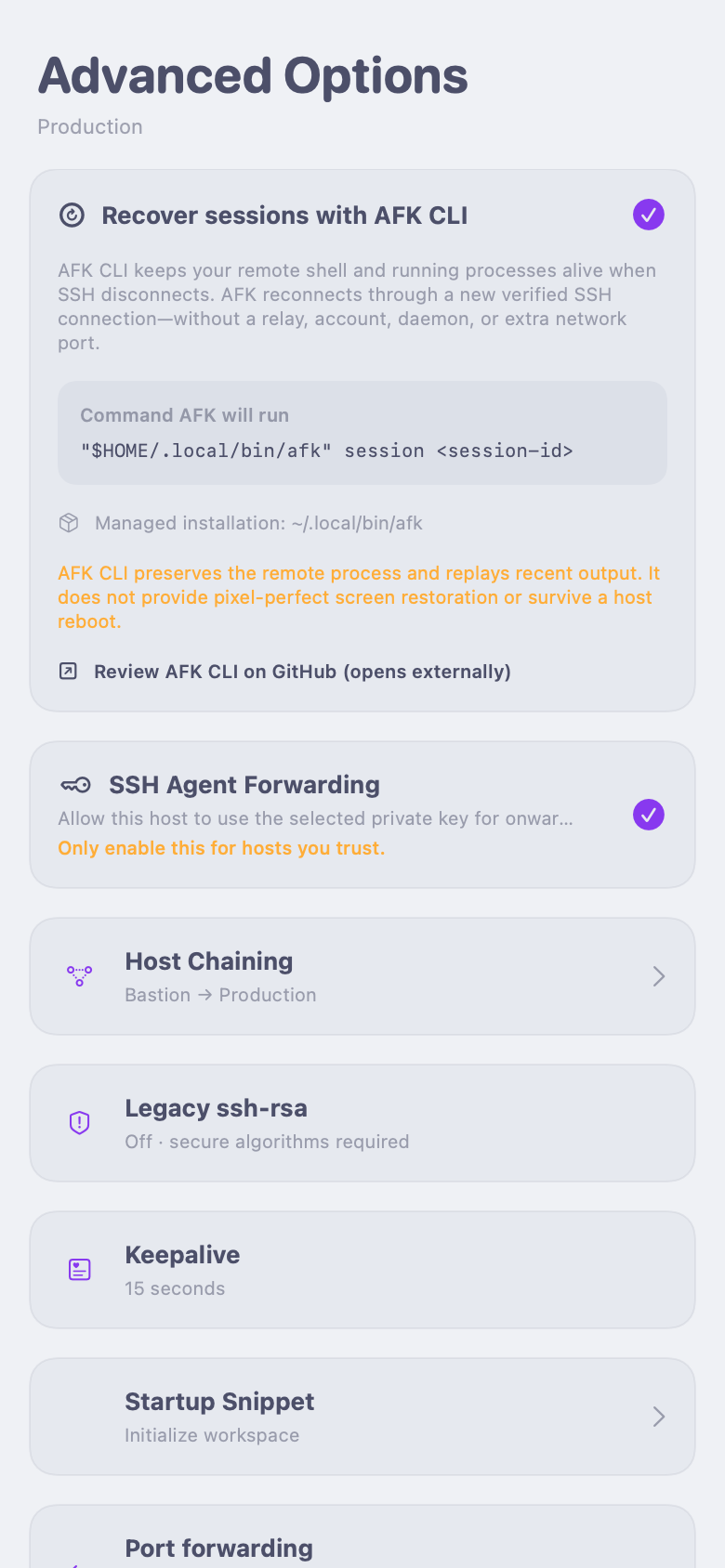
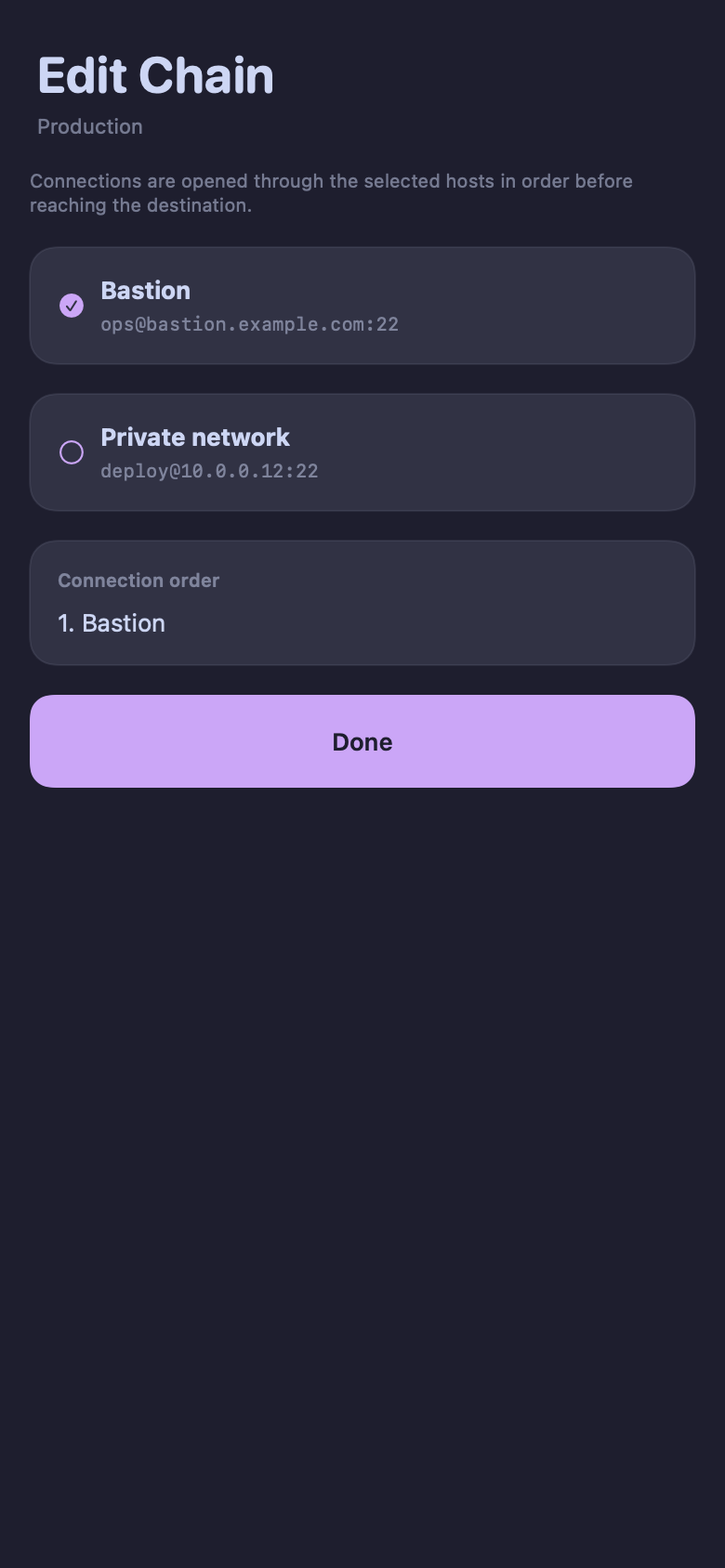
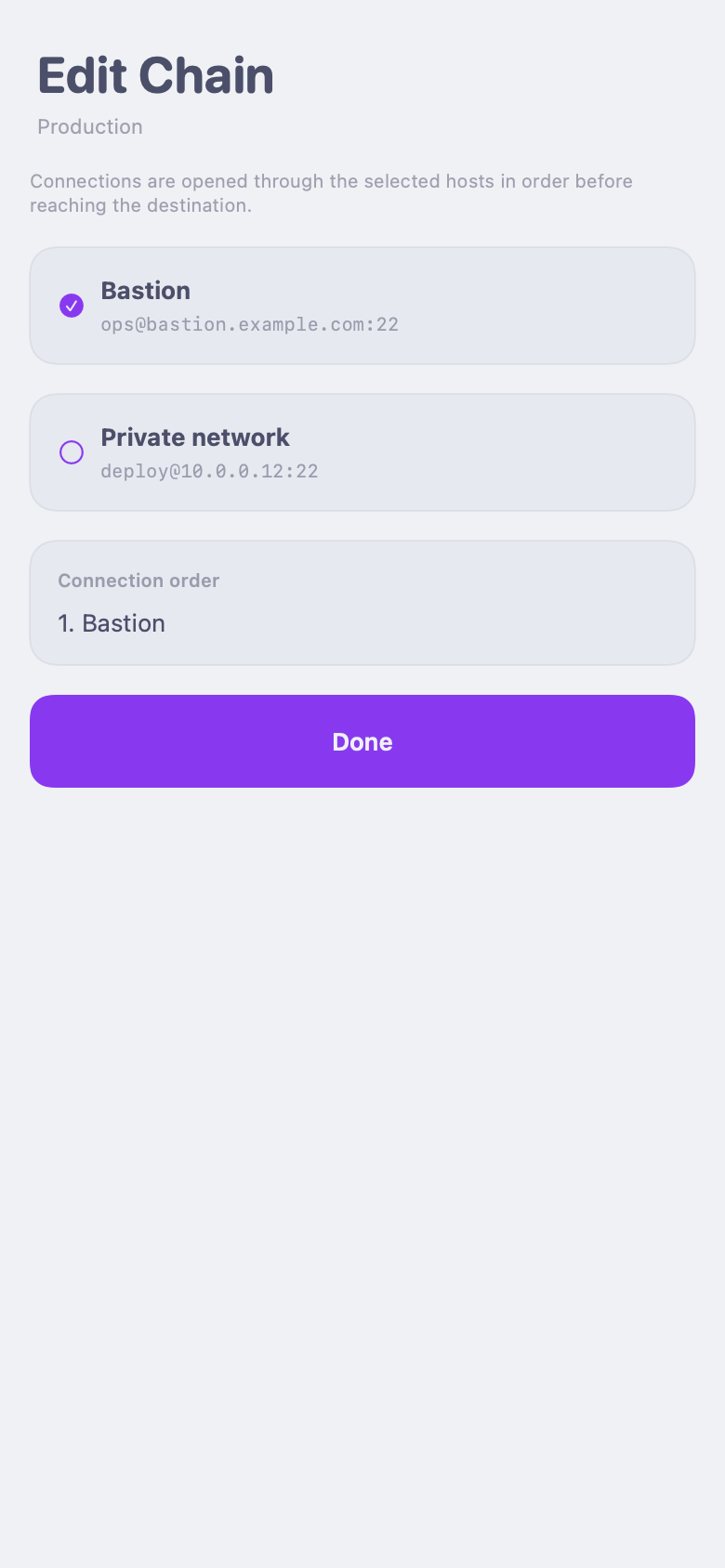
Select saved hosts in connection order before AFK opens the destination SSH session.
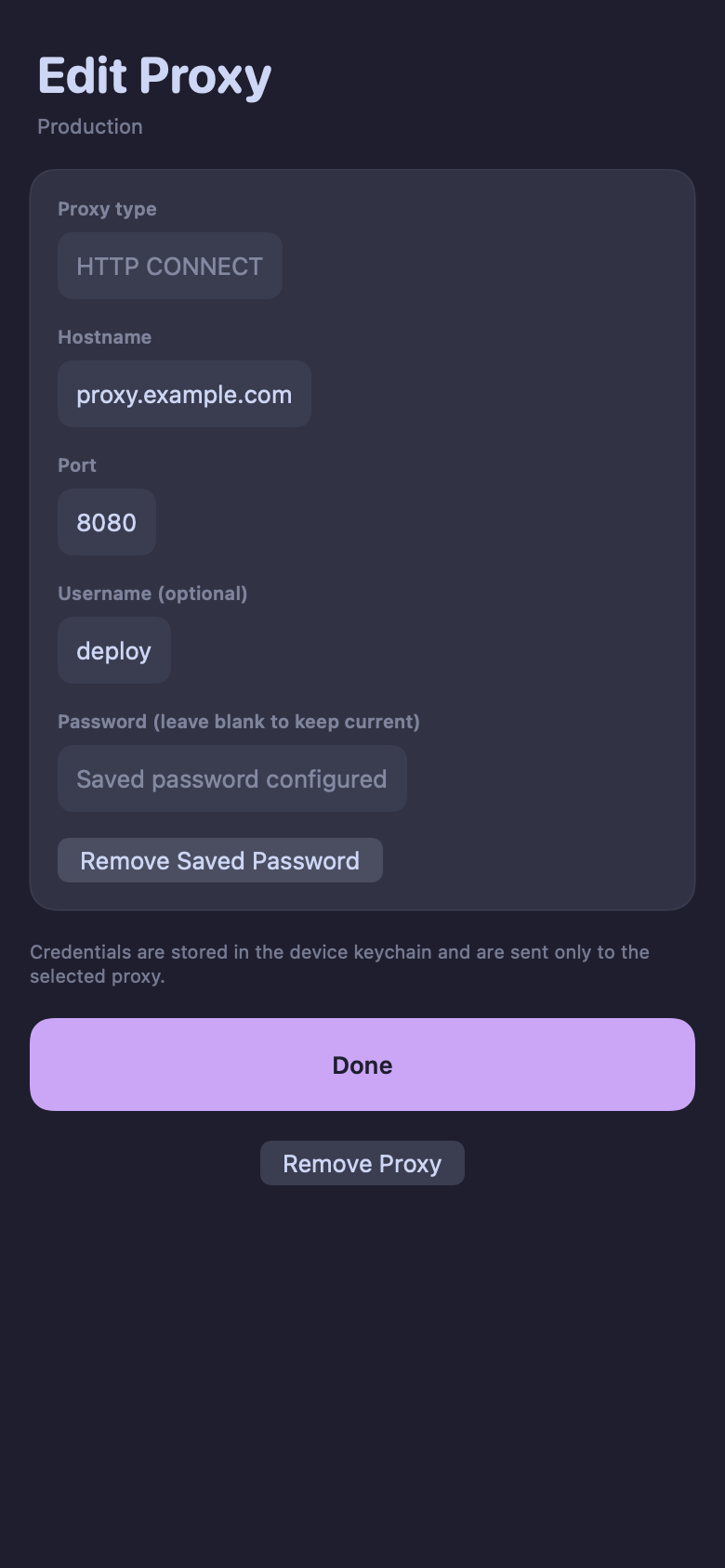
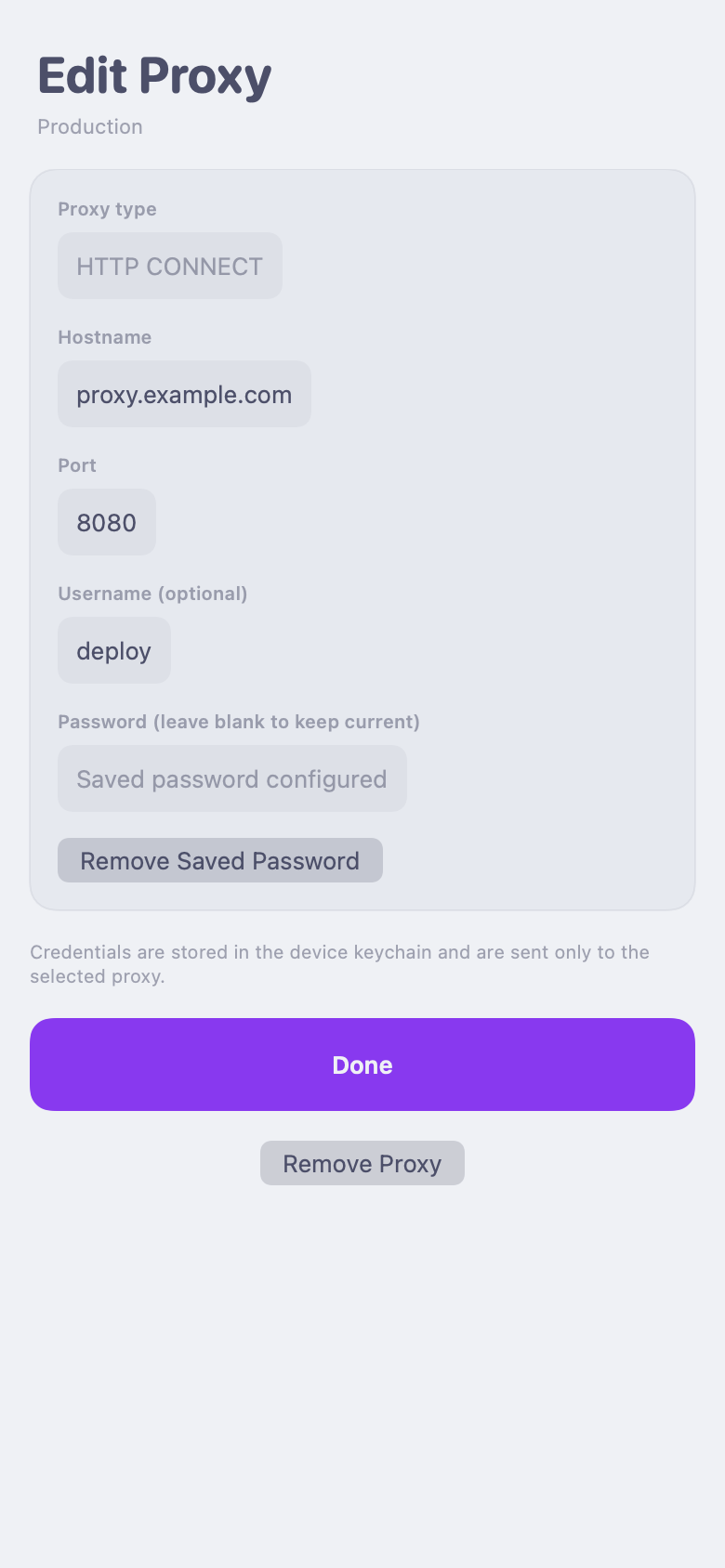
Configure an HTTP CONNECT proxy per host, with optional credentials stored in the device keychain.
03 / MOBILE WORK
Keep an eye on an active shell, switch between terminals, and return when something needs your attention. AFK is designed around what mobile operating systems actually allow.
AFK-CLI does one narrow job: it keeps a remote PTY and process alive after SSH drops. Put one standalone binary in your user path; AFK reconnects through ordinary, host-key-verified SSH and attaches to the same process.
Explore AFK-CLI on GitHub ↗One user-owned runner per session. No panes, shared daemon, separate listener, or second network protocol. Reattachment includes a bounded tail of recent output.
Windows, panes, keybindings, and their own terminal screen and scrollback model. Use them when you want a full multiplexer—not just one process to survive SSH loss.
Ghostty-based tabs, splits, notifications, and SSH conveniences on the client. It organizes work well, but does not by itself preserve a remote process when SSH disappears.
Persistent named shells without taking over native scrollback or copy-paste. It uses a shared remote daemon or autodaemonization; AFK-CLI uses an independent runner for each session.
04 / AVAILABILITY
Direct SSH and a GPU-accelerated Ghostty terminal on both platforms.
GPU-accelerated terminal rendering with Metal.
In developmentGPU-accelerated terminal rendering with OpenGL ES.
In development